




Introduction
Microsoft has officially ended support for Windows 10, meaning no more security updates, patches, or technical help. If you’re still using it, your system may become vulnerable to security risks. The Windows 10 end of life marks a big change for millions of users, but the good news is — there are several great upgrade options available.
In this blog, we’ll explore seven reliable upgrades you can choose from, whether you’re a home user, gamer, or business professional in the US.
Windows 10 End of Life: What It Means for You
Security Risks After Support Ends
Now that Windows 10 support is over, your computer won’t receive critical security updates. This can expose your data to malware, ransomware, and hackers.
Compatibility Issues with New Software
Many new apps and tools will soon stop supporting Windows 10. That means updates and performance improvements may only be available for newer versions.
1. Windows 11: The Official Upgrade
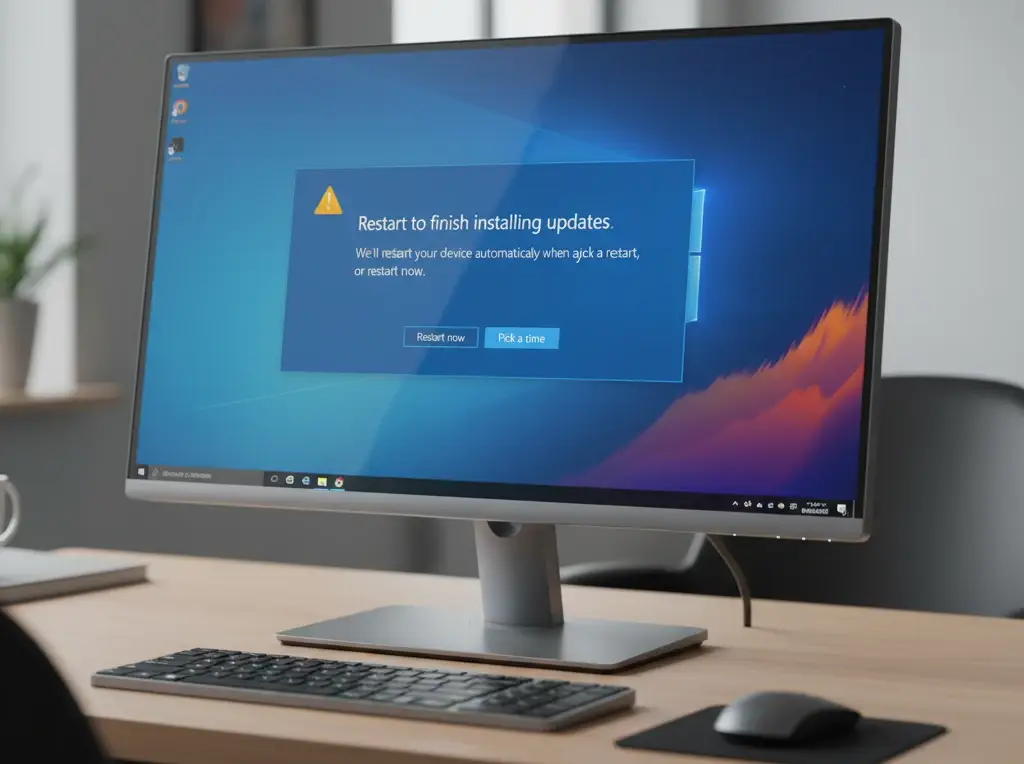
The most natural step after Windows 10 end of life is upgrading to Windows 11. It’s faster, cleaner, and more secure.
Key Features
- Modern interface and better multitasking
- Enhanced gaming performance with DirectStorage
- Strong security and TPM 2.0 protection
Best For
Everyday users, professionals, and gamers who want long-term Microsoft support.
Learn more on Microsoft’s official site
2. Windows 11 Pro for Business Users
If you’re managing multiple systems or running a business, Windows 11 Pro is ideal. It includes BitLocker encryption, remote desktop access, and group policy control.
Best For
Small businesses and IT administrators who need advanced security and management tools.
3. ChromeOS Flex
For older PCs, ChromeOS Flex is a lightweight, cloud-based operating system by Google. It’s easy to install and runs fast even on older hardware.
Key Features
- Fast boot times
- Google Workspace integration
- Cloud storage and automatic updates
Learn more about ChromeOS Flex
4. Linux (Ubuntu or Linux Mint)
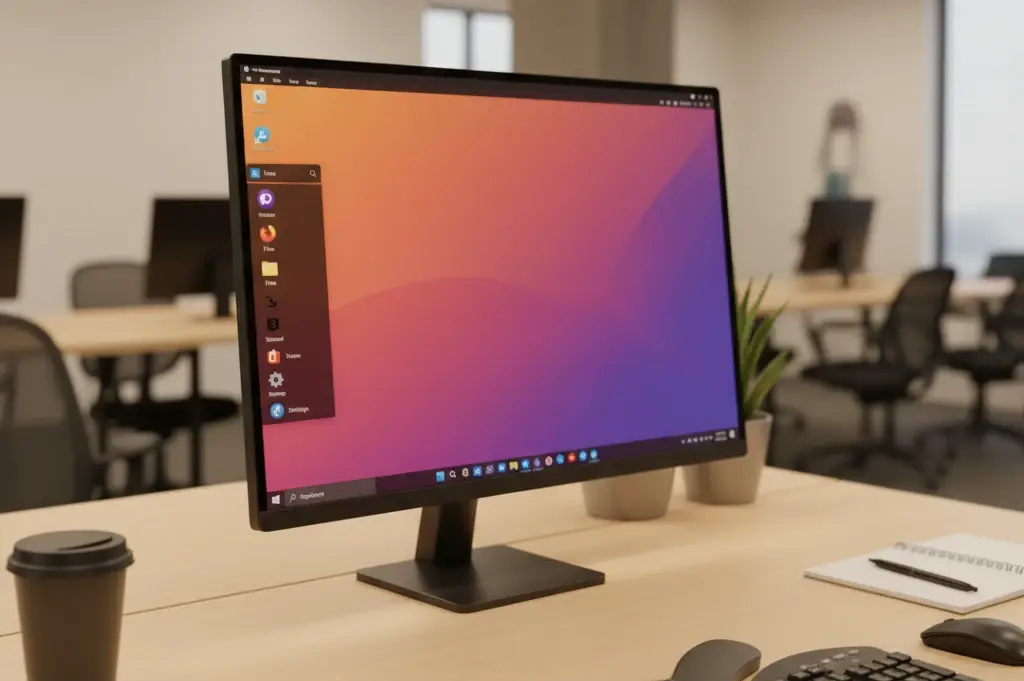
Linux is free, secure, and great for those who don’t mind learning something new. Ubuntu and Linux Mint are user-friendly options for former Windows users.
Key Features
- Free to use
- Regular security updates
- Customizable and lightweight
5. macOS (for Apple Users)
If you’ve been thinking of switching devices, macOS is a premium choice. It’s stable, secure, and integrates seamlessly with iPhones and iPads.
Best For
Creative professionals, designers, and long-time Apple users.
6. SteamOS for Gamers
For gaming enthusiasts, SteamOS offers an optimized experience built for games. It’s based on Linux and comes preloaded with Steam features.
Key Features
- Great for gaming PCs
- Regular performance updates
- Free to install
7. Stay on Windows 10 (Not Recommended)
You can continue using Windows 10, but it’s risky. Without updates, your device becomes more exposed to malware and data breaches. If you must stay, use strong antivirus protection and back up your data often.
Why Windows 10 support is ending
How to Upgrade Safely
Backup Your Data
Always back up important files before upgrading. Use external drives or cloud services like Google Drive or OneDrive.
Check Compatibility
Visit Microsoft’s PC Health Check tool to see if your computer supports Windows 11.
FAQs About Windows 10 End of Life
Q1: When did Windows 10 support officially end?
Support officially ended on October 14, 2025, for all major versions.
Q2: Can I still use Windows 10 after support ends?
Yes, but it’s not safe. Without updates, your system becomes more vulnerable.
Q3: Is Windows 11 free for Windows 10 users?
If your device meets the requirements, you can upgrade to Windows 11 for free.
Q4: What if my PC isn’t compatible with Windows 11?
You can try ChromeOS Flex or a Linux distribution as lightweight alternatives.
Q5: Can businesses still use Windows 10 with extended support?
Yes, through Microsoft’s Extended Security Updates (ESU) program, but it’s a paid option.
Conclusion
The Windows 10 end of life is a reminder that it’s time to move forward. Whether you choose Windows 11, Linux, or ChromeOS, upgrading will keep your computer safe, fast, and ready for the future. Don’t wait until your system becomes a target for hackers — take action today.
Ready to upgrade? Visit the official Microsoft website or explore trusted alternatives to keep your PC protected.